
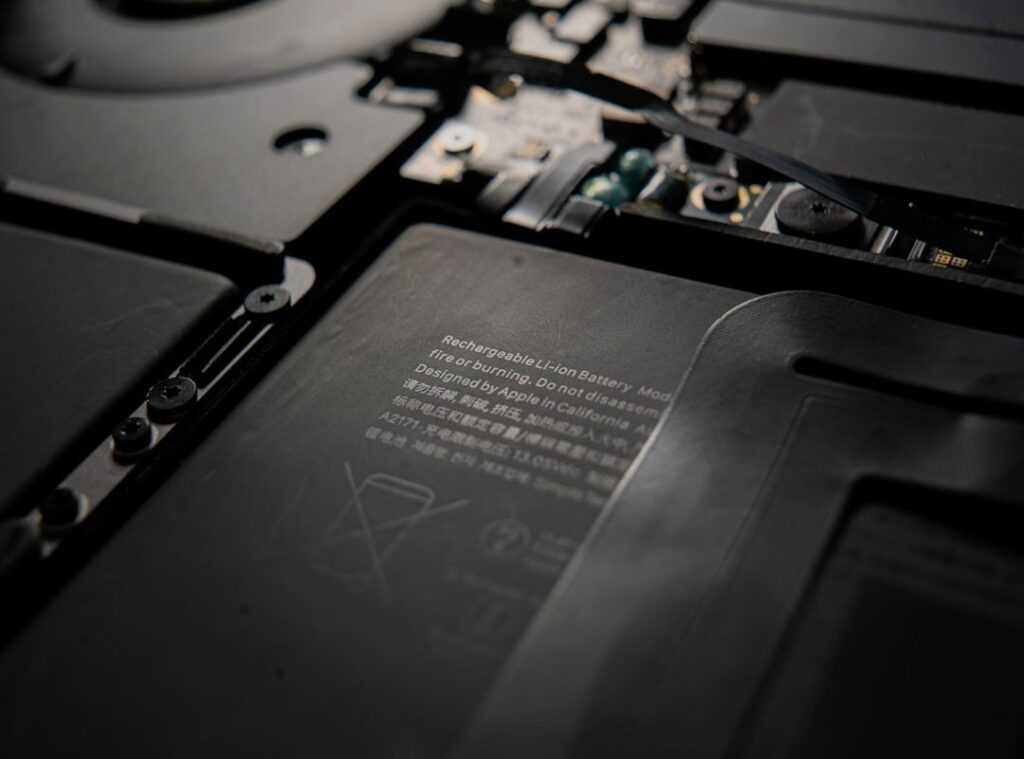
Ever felt that gut-wrenching moment when your laptop battery icon flashes red during a meeting? I have. It’s rough.
Laptops should be liberating, not a source of anxiety. But here’s the thing (our) own habits often speed up battery death without us knowing. Frustrating, right?
Batteries aren’t magic. They degrade, yes, but I’ve dug into power management tech and the evolution of lithium-ion batteries (they’re not what they were ten years ago) to uncover real solutions.
This guide is packed with laptop battery life tips that go beyond the usual fluff. Expect actionable strategies rooted in modern battery science. No generic advice here.
You’ll walk away with clear steps for both instant battery boosts and long-term health. Stay tuned, because knowing how your battery really works changes everything.
Understanding the Enemy: What’s Hurting Your Laptop Battery?
Let’s cut to the chase: your laptop battery isn’t a mystery. It’s powered by a Lithium-ion (Li-ion) engine, busy moving ions around to keep the machine alive. It’s like a backstage crew of a Broadway show, frantically changing scenes so the spotlight stays on.
Now, let’s talk about this thing called a “charge cycle.” It’s not just 0 to 100, despite what your phone might suggest. Any combo of discharges totaling 100% counts. Charge your laptop from 60% to 80%?
That’s half a cycle. It flips how we usually think about charging.
But what’s the real villain here? Excessive heat and extreme voltage states. Parking your battery at 100% or 0% for too long is like leaving a muscle either fully flexed or limp.
Not a good idea. The middle ground is where the magic happens.
Heat? It’s the sneaky catalyst speeding up those chemical reactions that degrade capacity. Ever notice your laptop heating up during a Netflix binge or when you’re in a heated gaming session?
Yeah, that heat isn’t doing your battery any favors.
And while we’re swapping battery-saving secrets, why not check out some Boost PC Speed Simple Tweaks to get more out of your laptop? It’s all about keeping your machine running smoothly.
In the end, these laptop battery life tips aren’t just suggestions. They’re lifelines. Keep your battery at a comfortable charge level and cool down.
Like you should on a lazy Saturday. Think of it as a spa day for your device.
Your Daily Playbook: Quick Wins for a Longer Charge Today
Let’s get straight to it. You want more juice out of your laptop, right? Here’s how.
First up, make the most of your laptop’s built-in power modes. Windows users, you’ve got the Battery Saver and the Power Mode slider. macOS folks, look for Low Power Mode. These settings throttle your CPU and reduce background junk.
It’s like giving your laptop a caffeine shot but skipping the jitters. Why aren’t you using these already?
Next, think brightness. Seriously, your screen is probably eating through your battery. Dial it back.
Same goes for keyboard backlighting. It’s a power hog. Do you actually need it on during the day?
No, you don’t.
Now, let’s talk applications. Open your Task Manager on Windows or Activity Monitor on macOS. Identify those rogue apps sucking power.
Close ’em down. Does Spotify really need to be running while you work? Spoiler: it doesn’t.
Connectivity is another sneaky thief of battery life. Turn off Wi-Fi and Bluetooth when you’re not using them. Do you need to be connected to every single peripheral?
Unplug those unused USB devices. Your battery will thank you for it.
Browsers, they’re the worst. Some browsers use more power than others, and having a gazillion tabs open does no favors. I’m looking at you, tab hoarders.
Stick to a browser that’s fast or, you know, close some tabs.
For even more laptop battery life tips that might change your tech habits, read up on what’s out there. Simple tweaks can lead to big wins.
Pro tip: Restart your laptop now and then. It resets everything and clears out the unnecessary processes. It’s like a fresh start for your battery.
Why not give it a try today?
The Long Game: Lifespan Strategies for Your Laptop
You ever wonder if keeping your laptop plugged in all the time is a good idea? Spoiler: it’s not. Sure, modern laptops won’t overcharge, but staying at 100% isn’t doing you any favors.

It creates voltage stress and can generate heat (neither) of which are friends to your device.
Focus less on the daily charge and more on the long haul. This is where the 40-80 Rule comes in. Keep your battery charge between 40% and 80%.
Why? It minimizes stress on the battery cells and extends lifespan. Simple, right?
Yet so often overlooked.
Temperature management is another biggie. Using a laptop on a soft surface like a bed is a no-go. It blocks vents, causing your laptop to overheat.
And leaving it in a hot car? That’s just asking for trouble. Think of your laptop as a high-maintenance friend (it) needs the right environment to thrive.
Now, let’s talk about the ‘memory effect’ myth. You might have heard that you need to fully discharge and recharge your batteries. That’s old advice for NiCad batteries, not modern Li-ion ones.
Doing that now is actually harmful. These batteries don’t need a full drain to maintain capacity. Just another outdated myth we can put to rest.
Curious about more tech tips? Check out this improve smartphone performance tips resource. It’s a treasure trove of advice on keeping your devices running smoothly.
So, what’s the takeaway here? Simple adjustments can make a world of difference. Whether it’s managing temperature or following the 40-80 Rule, these strategies help keep your laptop running longer.
Remember, the goal is longevity, not just a quick charge. Let’s keep those devices alive and kicking for years to come, shall we?
Pro Tweaks: Secrets from the Tech Trenches
Want your laptop battery to last longer? Let’s talk manufacturer secrets. Companies like Dell, Lenovo, and Asus have hidden gems like Dell Power Manager, Lenovo Vantage, and MyASUS.
Ever heard of them? These tools let you set custom charging limits. Like stopping at 80%.
Why? It extends battery life, especially if your laptop’s always plugged in.
Now, are you keeping your OS and drivers updated? You’ll be amazed at how many power management improvements come with firmware updates. Skipping these updates is like ignoring a new season of your favorite show.
You just don’t do it.
Here’s a pro tip: steer clear of cheap third-party chargers. I can’t stress this enough. They often lack proper circuitry for managing heat and charging rates.
You risk damaging your battery with these. It’s tempting to save a few bucks, but it’s not worth it. Ask yourself: is saving a little cash today worth a dead laptop tomorrow?
These laptop battery life tips aren’t just for geeks. They’re important for anyone serious about getting the most out of their tech.
Master Your Battery for Longer Life
Tired of your laptop dying on you? I get it. But it’s not a lost cause.
You can fix this. Combine smart habits with science-backed charging tips and you’re golden. By understanding why batteries degrade, you’re now in control.
You can make informed choices. Start today. Pick just one tip from this guide (like) adjusting power settings or sticking to the 80% charge rule.
Make it a habit. You’ll see a difference. Want longer-lasting power?
Follow these laptop battery life tips. Take control and stop the frustration. Ready to start?
Your laptop will thank you.
 There is a specific skill involved in explaining something clearly — one that is completely separate from actually knowing the subject. Laurie Moorestevenor has both. They has spent years working with ai tools and machine learning trends in a hands-on capacity, and an equal amount of time figuring out how to translate that experience into writing that people with different backgrounds can actually absorb and use.
Laurie tends to approach complex subjects — AI Tools and Machine Learning Trends, Core Tech Concepts and Innovations, Device Optimization Hacks being good examples — by starting with what the reader already knows, then building outward from there rather than dropping them in the deep end. It sounds like a small thing. In practice it makes a significant difference in whether someone finishes the article or abandons it halfway through. They is also good at knowing when to stop — a surprisingly underrated skill. Some writers bury useful information under so many caveats and qualifications that the point disappears. Laurie knows where the point is and gets there without too many detours.
The practical effect of all this is that people who read Laurie's work tend to come away actually capable of doing something with it. Not just vaguely informed — actually capable. For a writer working in ai tools and machine learning trends, that is probably the best possible outcome, and it's the standard Laurie holds they's own work to.
There is a specific skill involved in explaining something clearly — one that is completely separate from actually knowing the subject. Laurie Moorestevenor has both. They has spent years working with ai tools and machine learning trends in a hands-on capacity, and an equal amount of time figuring out how to translate that experience into writing that people with different backgrounds can actually absorb and use.
Laurie tends to approach complex subjects — AI Tools and Machine Learning Trends, Core Tech Concepts and Innovations, Device Optimization Hacks being good examples — by starting with what the reader already knows, then building outward from there rather than dropping them in the deep end. It sounds like a small thing. In practice it makes a significant difference in whether someone finishes the article or abandons it halfway through. They is also good at knowing when to stop — a surprisingly underrated skill. Some writers bury useful information under so many caveats and qualifications that the point disappears. Laurie knows where the point is and gets there without too many detours.
The practical effect of all this is that people who read Laurie's work tend to come away actually capable of doing something with it. Not just vaguely informed — actually capable. For a writer working in ai tools and machine learning trends, that is probably the best possible outcome, and it's the standard Laurie holds they's own work to.